

Sponsored by Advanced Ultrasound Systems
By Jim Rickner
In the past several years the trend has been moving toward simplifying the hardware used in ultrasound systems. Clearly, advances in technology have aided in the endeavor. From a electromechanical perspective, ultrasound systems have become much easier to troubleshoot and maintain. However, one area that has not become easier to work is the software. Manufacturers are now making software reload a tedious task for everyone but their own engineers. In the past, software reloads were commonplace as hard drives fail, and software becomes corrupt. Today, OEMs are adding levels of security, requiring service dongles, hiding/encrypting options keys to keep owners from maintaining and fixing their systems. There are, however, several things that we can do to safeguard our ultrasound systems such as cloning the hard drive, making a bit-by-bit copy or using a hard drive disk duplicator. Let’s discuss these in detail.
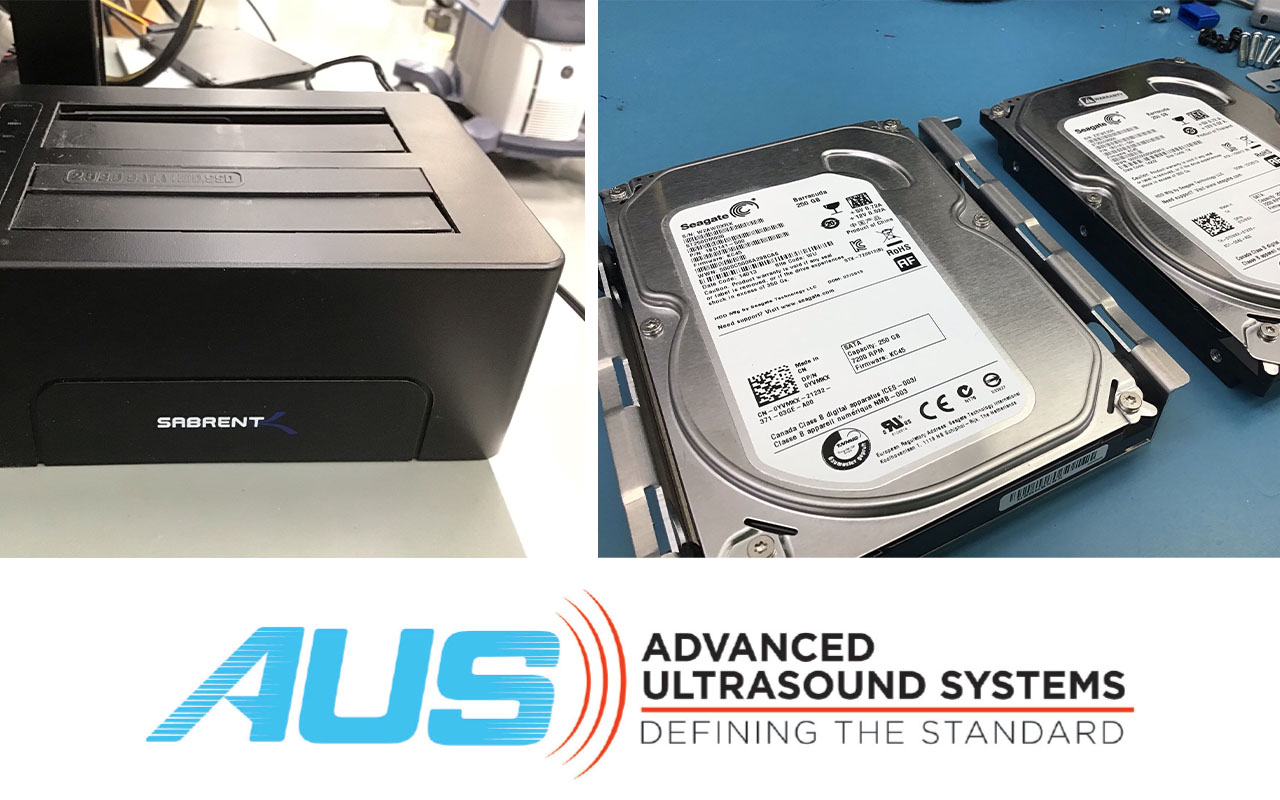
Let’s begin with using a hard drive disk duplicator. These are inexpensive tools that are probably the easiest and often the fastest of the methods we will discuss. There are many different brands, but I am familiar with the StarTech Hard Drive Duplicator. A disk duplicator copies the file structure on one hard drive and places it on another. This works on some ultrasound systems such as the Philips iU22 and iE33. This process can usually be completed in under 2 hours. After completion, either hard drive can be put in the system and work. Unfortunately, a disk duplicator simply copies the files leaving behind the system data and boot information some systems require to boot or function properly.
This brings us to cloning. Cloning uses software that allows us to create an exact replica of the hard drive, including the operating system and all hidden files, which ensures a functional duplicate. Cloning should not be confused with imaging a hard drive. Imaging a hard drive creates a compressed image file that contains the data on the drive. Imaging can also be slower than cloning. For the purpose of creating a new hard drive that is identical to the one installed in the ultrasound system, cloning is the best option. We recommend EaseUS Todo Backup or HDD Raw Copy to use as a cloning software solution.
Finally, let’s discuss a bit-by-bit copy of the hard drive. Although cloning and bit-by-bit copies are often considered the same there is a subtle difference. Bit-by-bit duplicates every single bit on the source drive, regardless of whether it’s used or unused. It creates an exact, sector-by-sector replica of the drive. Cloning, on the other hand, focuses on replicating the data structure and contents of the drive, rather than every single bit. Although the slowest of the options, this makes bit-by-bit the best option when creating a new identical bootable hard drive.
As we discuss ways to maintain our ultrasound systems, we need to be aware of other considerations. One consideration is patient data located on these cloned hard drives. If we are cloning hard drives with patient data on them, we need to follow HIPAA practices to safeguard them. Some systems have patient data on separate hard drives while some are all on one. Make sure you are aware of the configuration of your system. If able, delete patient data on the hard drive prior to cloning, this can also speed up the process. Another consideration is that some OEMs are adding a CDFS partition to the hard drive. CDFS stand for Compact Disc File System, and they are often used to load software or boot files that need to be accessed as if they were on a CD, and it helps protect those files from being overwritten. This creates a problem when cloning a hard drive as this partition may not be copied over. To determine if your hard drive contains this partition go to the hard drive properties and it will define the file systems present. If you are unsure whether your system uses this CDFS partition, make sure to test your newly cloned drive in your system. Lastly, make sure to clone your system hard drive while the unit is operating normally. If you wait until there are issues with the hard drive or software, cloning will not solve your problem.
I have discussed some of the issues surrounding the maintenance of your ultrasound systems. Many systems come without software and others provide it but lock you out of being able to reload it. I’ve provided some alternate methods of capturing your system software and settings that can work if executed while the system is fully functional. After cloning a hard drive make sure to install it into your system to make sure it is functional. Make sure to safeguard any patient data that might be on the cloned hard drive as it is HIPAA data. Taking these steps can save you substantial expenses in software and service costs. •
Jim Rickner is the Director of Service and Training with Advanced Ultrasound Systems (AUS).
For more information about Advanced Ultrasound Systems (AUS) visit advancedultrasound.com.